Creating Lasting Memories: Event Photography Essentials

Event photography is more than just capturing moments; it's about telling a story through images. Whether it's a wedding, birthday party, or corporate gathering, the right photographs can evoke emotions and preserve memories for years to come. In this blog post, we will explore the essentials of event photography, providing tips and insights to help you create lasting memories through your lens.

Understanding the Importance of Event Photography
Event photography plays a crucial role in documenting significant life moments. Here are a few reasons why it's essential:
Preservation of Memories: Photographs serve as tangible reminders of special occasions. They allow us to relive moments that may otherwise fade from memory.
Storytelling: Each event has a unique narrative. A skilled photographer can capture the essence of the event, showcasing emotions and interactions that tell a compelling story.
Sharing Experiences: In today's digital age, sharing photographs online allows friends and family who couldn't attend to feel connected to the event.
Preparing for the Event
Preparation is key to successful event photography. Here are some steps to ensure you're ready:
1. Communicate with the Client
Before the event, have a detailed discussion with your client to understand their expectations. Ask about:
The event's purpose and theme
Key moments they want captured (e.g., speeches, cake cutting)
Specific shots they envision
2. Scout the Location
If possible, visit the venue beforehand. This allows you to:
Identify the best spots for photos
Understand lighting conditions
Plan for any potential challenges (e.g., crowded areas)
3. Create a Shot List
A shot list can help you stay organized during the event. Include:
Must-have group shots
Candid moments
Details like decorations and food
Equipment Essentials
Having the right equipment can make a significant difference in the quality of your photos. Here are some essentials:
Camera
Invest in a good quality DSLR or mirrorless camera. These cameras offer better image quality and performance in low light compared to point-and-shoot models.
Lenses
Consider having a variety of lenses to suit different situations:
Wide-angle lens: Great for capturing large groups and venue interiors.
Prime lens: Ideal for portraits and low-light conditions.
Zoom lens: Versatile for capturing subjects at varying distances.
Accessories
Don't forget these important accessories:
Tripod: Useful for stability, especially in low-light settings.
External flash: Helps illuminate dark areas without harsh shadows.
Extra batteries and memory cards: Always be prepared for long events.
Capturing the Event
Once the event begins, it's time to put your preparation into action. Here are some tips for capturing stunning images:
1. Be Observant
Stay alert and watch for candid moments. Some of the best photographs come from spontaneous interactions, so keep your camera ready.
2. Use Natural Light
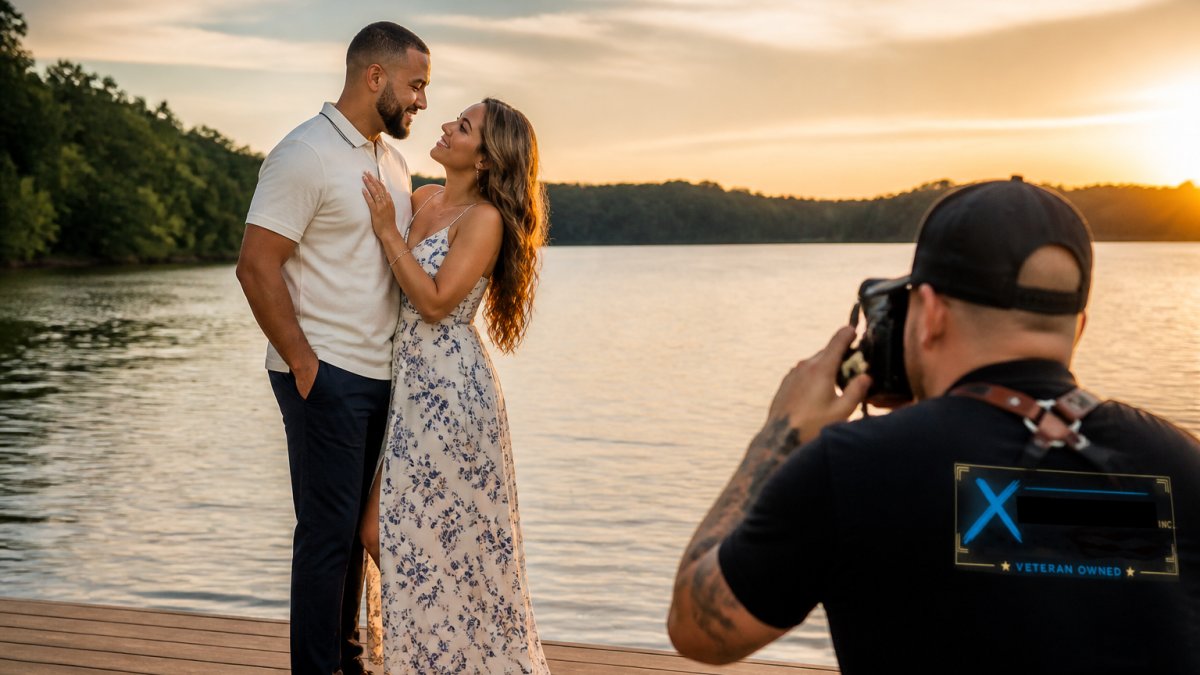
Whenever possible, take advantage of natural light. It creates a softer, more flattering look. Position yourself near windows or outdoor areas for the best results.
3. Vary Your Angles
Experiment with different angles and perspectives. Try shooting from:
Eye level for intimate portraits
High angles for a unique view of the crowd
Low angles to emphasize decorations or details
4. Capture Details
Don't forget to photograph the small details that make the event special. This includes:
Table settings
Floral arrangements
The cake and other food items
Post-Event Workflow
After the event, your work isn't done. Here’s how to effectively manage your post-event workflow:
1. Organize Your Photos
Import your images to your computer and organize them into folders. Consider categorizing them by:
Event type
Date
Specific moments (e.g., ceremony, reception)
2. Edit Your Images
Editing is crucial for enhancing your photos. Use software like Adobe Lightroom or Photoshop to:
Adjust exposure and contrast
Crop images for better composition
Apply filters or presets for a cohesive look
3. Deliver the Final Product
Once editing is complete, deliver the final images to your client. Options include:
Online galleries for easy sharing
USB drives for a physical keepsake
Printed albums for a tangible memory
Tips for Building Your Event Photography Business
If you're looking to turn your passion for event photography into a business, consider these tips:
1. Build a Portfolio
Create a strong portfolio showcasing your best work. Include a variety of events to demonstrate your versatility.
2. Network with Event Planners
Establish relationships with event planners and venues. They can refer clients to you and help you gain exposure in the industry.
3. Utilize Social Media
Share your work on social media platforms to reach a wider audience. Engage with followers by sharing behind-the-scenes content and tips.
4. Ask for Referrals
After each event, ask satisfied clients for referrals. Word-of-mouth recommendations can be a powerful tool for growing your business.
Conclusion
Event photography is a rewarding way to capture and preserve memories. By preparing thoroughly, using the right equipment, and honing your skills, you can create stunning images that tell a story. Whether you're a hobbyist or aspiring professional, the essentials outlined in this post will help you succeed in your event photography journey. Remember, every event is unique, and your ability to adapt and connect with your subjects will ultimately define your success. So grab your camera, and start creating lasting memories today!
Comments